
How 32Pay Works

What is 32Pay?
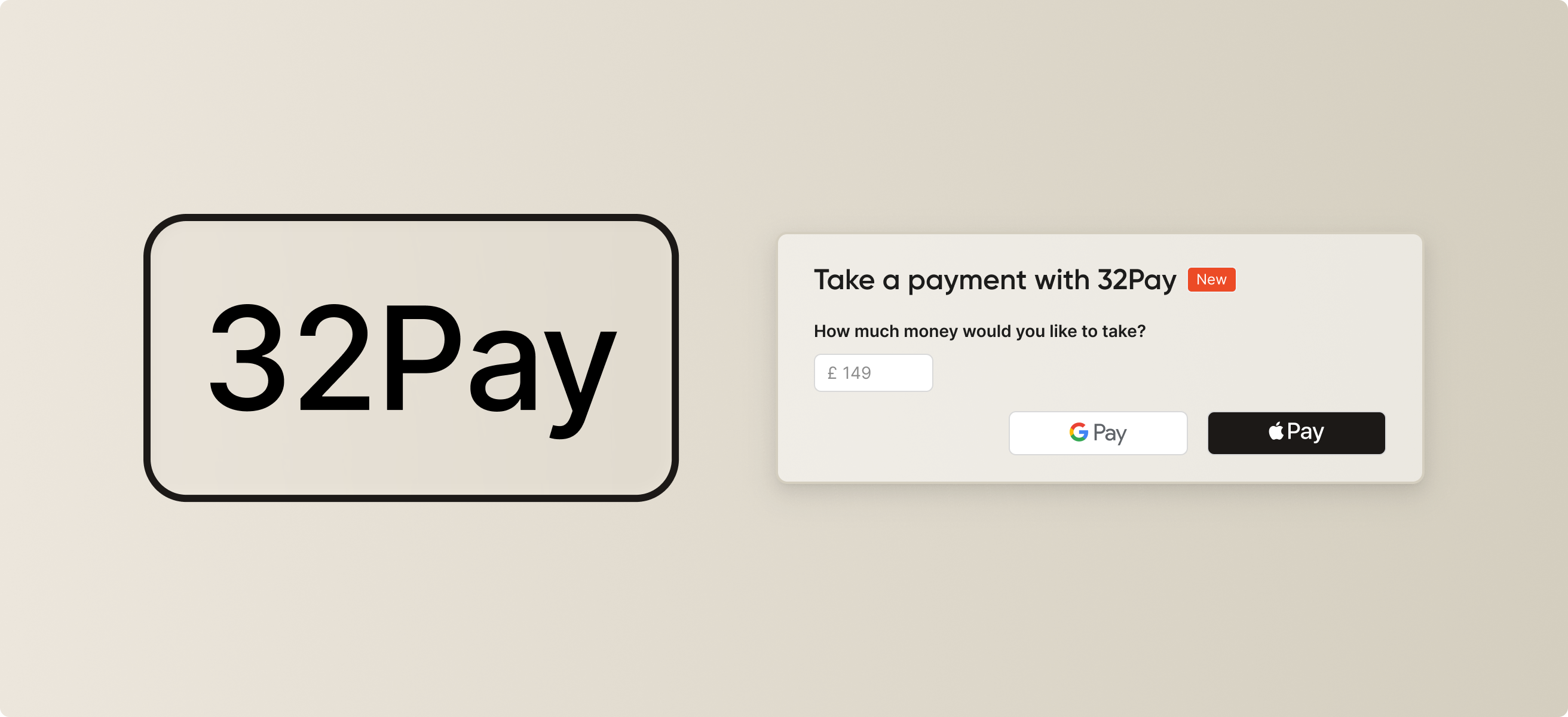
32Pay is our new built-in payment feature integrated directly into patient proposals. 32Pay makes it simple and secure for patients to pay a deposit for treatment. We built 32Pay to make the payment process easier for both patients and practices. Patients can review their proposal and pay a deposit securely and seamlessly while practices save time and keep everything organised in one place.
How it works:
We’ve made it easier than ever before for dentists and practices to take a deposit for treatment. Here’s how it works:
- Create a proposal - Build your 32Co patient proposal as usual.
- Add a 32Pay request - Set the amount you would like to take from the patient.
- Patient pays - The patient reviews and pays directly from their proposal.
- Money goes straight to you - Funds are sent directly to your practice’s connected Stripe account.
How to get started.
We’ve partnered with Stripe to launch 32Pay. That means getting started is seamless and involves 3 simple steps:
- Getting connected - We’ll generate a link that allows you to either connect an existing Stripe account or create a new one.
- Verification - Once you’ve completed verification, 32Pay will become active for your practice account and all dentists at your practice.
- Ready to send - All dentists connected to the practice will be able to make 32Pay requests when sending a proposal for patients assigned to your practice.
Note: 32Pay is currently only available for 32Grow partners.
In one click, 32Co AI analyses your entire case, reads every note from the orthodontist, and creates a clear, patient-friendly explanation of the treatment...instantly. A single click saves 20–30 minutes per case.
“32Pay has made things smoother for everyone - patients can confirm their treatment instantly with a secure deposit, and our team no longer has to juggle manual payments or follow-ups. It just makes the whole process easier on both sides.” - 32Co Practice Owner
FAQs
1. How will I track 32Pay requests and payments?
32Pay requests can be tracked from the 32Pay dashboard available in your 32Co practice account. Requests can also be tracked from within the patient proposal tab for each patient. You can also access all payments from within your connected Stripe account.
2. How much money can I request using 32Pay?
You can request any amount you like using 32Pay. It can be a small deposit, a partial payment or the full amount. The decision is yours.
3. What processing fees are incurred?
32Pay payments are processed through Stripe, therefore standard Stripe fees apply. For the most recent Stripe processing fees refer here.
4. How will my admin team know what payments have been made?
Your team are able to track all payments from the 32Pay dashboard in your 32Co practice account. Payments will also arrive in your connected Stripe account like any other payment, normal Stripe notifications apply. You’ll just need to ensure your admin team has access to these notifications and/or to the connected Stripe account.

.png)

.png)